
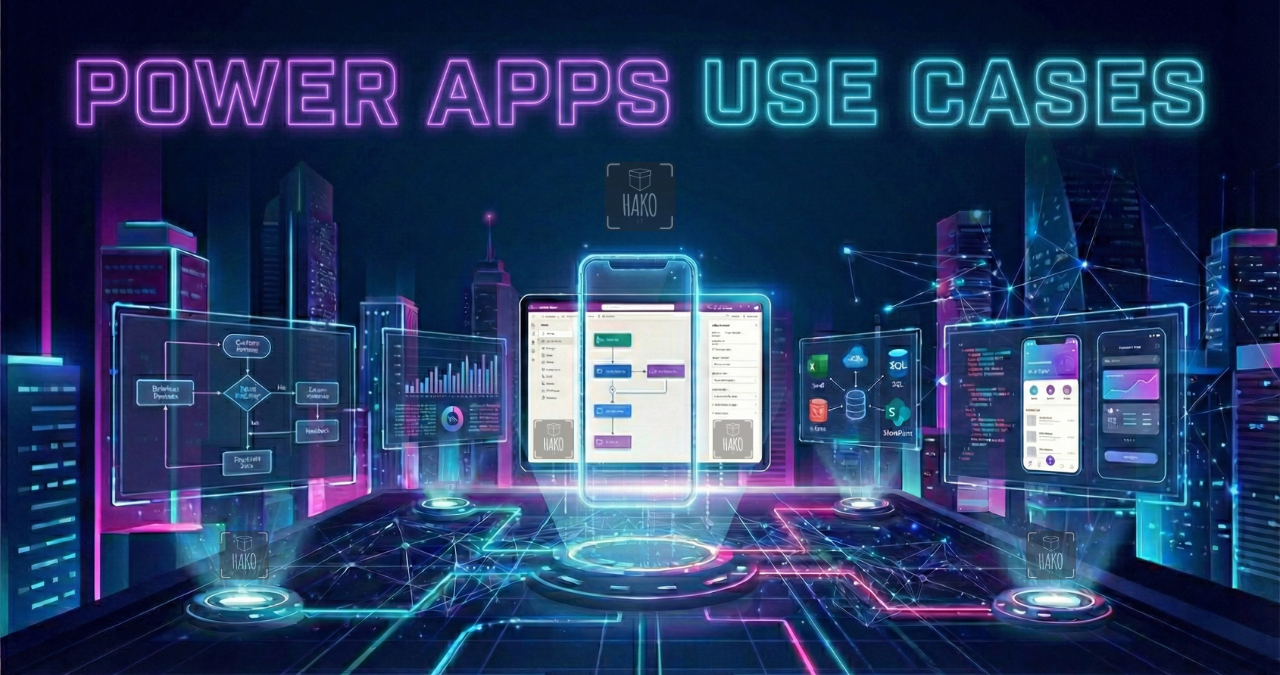
Use Cases – Power Apps | Power Platform
If you’re looking for Power apps use cases to digitize processes, automate repetitive tasks, and finally move beyond endless spreadsheets, you’re in the right place. Today, the companies that grow fastest aren’t necessarily the biggest, they’re the most agile. And that’s exactly where Power Apps / Power Platform comes in.
At Hako IT, we implement Microsoft Power Platform solutions every day. From hands-on experience, we’ve seen how a well-designed business app can completely transform the way teams operate.
In this guide, you’ll learn what power apps use cases look like in real business environments, how they work, and why they can become your company’s next strategic digital advantage.
Power Apps Use Cases That Drive Impact
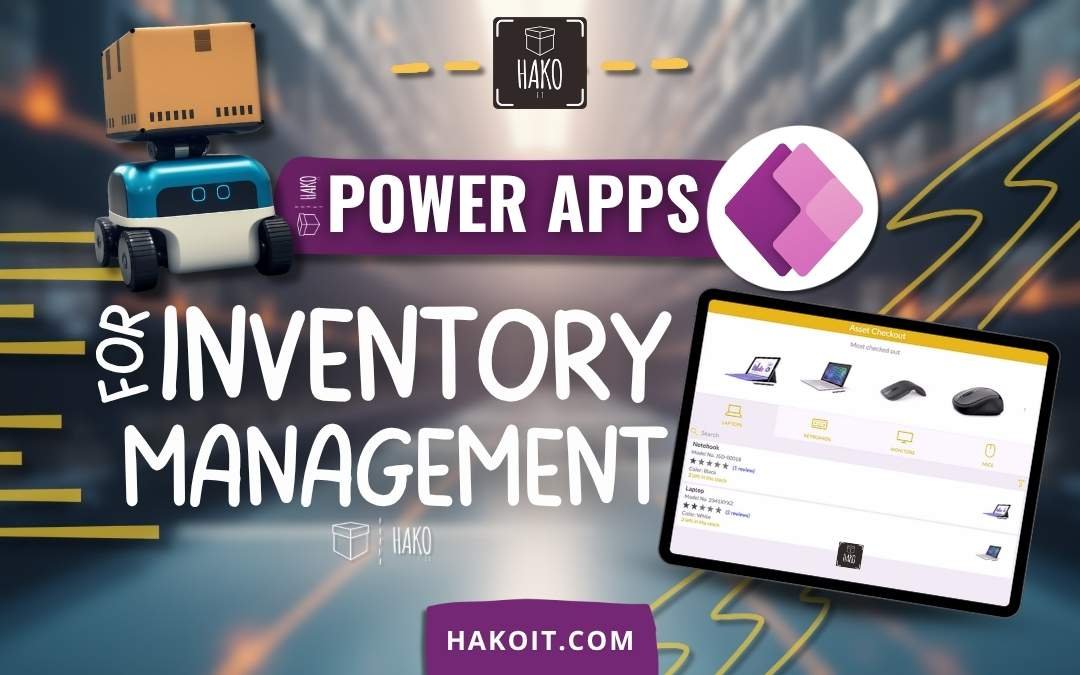
➜ Power Apps for Inventory Management

➜ Power Apps for Time Off Request
What Are Power Apps Use Cases and Why Are They Transforming Businesses
Power apps use cases refer to practical, real-world applications built on Microsoft’s low-code platform to automate processes without developing software from scratch.
What Is Microsoft Power Platform
Microsoft Power Platform is an ecosystem that includes:
- Power Apps (app development)
- Power BI (data analytics)
- Power Automate (workflow automation)
- Dataverse (secure business data storage)
➜ More information: Power Apps Introduction
This ecosystem allows companies to build secure, scalable, and integrated enterprise solutions connected to Microsoft 365 tools such as SharePoint, Teams, Outlook, and Excel.
How Power Apps Works in Business Environments
Power Apps allows organizations to create:
-
Web applications
-
Mobile applications
-
Apps embedded in Microsoft Teams
-
Data-connected applications (SharePoint, SQL, Excel, Dataverse)
The real value isn’t just building an app — it’s integrating it seamlessly with the systems your company already uses.
Why Your Company Needs Power Apps Use Cases Today
If your team:
-
Manually enters data
-
Repeats administrative tasks
-
Consolidates reports by hand
-
Struggles to find updated information
Then it’s time for structured digital transformation.
Internal Process Digitization
Power apps use cases replace paper forms, scattered spreadsheets, and long email chains with centralized digital workflows.
Automation Without High Development Costs
Traditional software development can take months and require significant investment. Power Apps dramatically reduces both timelines and costs through low-code development.
Seamless Integration with Microsoft 365 and SharePoint
If you already pay for Microsoft 365 licenses, you’re likely underutilizing powerful tools that can modernize your operations.
Strategic Benefits of Implementing Power Apps Use Cases
Reduction of Manual Errors
Less manual input means fewer human mistakes. Structured forms and automated validation improve data accuracy significantly.
Operational Time Savings
Many of our clients reduce administrative workload by 60–70% in repetitive processes after implementing tailored power apps use cases.
Real-Time Information for Smarter Decisions
Executives and managers gain access to live data dashboards and operational metrics instantly.
Scalability and Flexibility
As your company grows, your apps can evolve. Power Apps supports scaling users, features, and integrations without rebuilding from scratch.
How Hako IT Implements Power Apps Use Cases
We are a boutique software company. Founders Dani and Facu personally lead every project, ensuring high technical standards and direct communication.
Boutique Approach with Direct Involvement
You work directly with the engineers building your solution — no intermediaries, no communication gaps.
Agile Methodology and Measurable Outcomes
Our structured process includes:
-
Operational diagnosis
-
Solution design
-
Development and integration
-
Iterative improvements
We prioritize delivering value quickly while maintaining long-term scalability.
Security, Governance, and Best Practices
We follow Microsoft’s recommended architecture standards, ensuring:
-
Role-based access control
-
Secure data storage
-
Compliance with enterprise security frameworks
Comparison: Power Apps vs Traditional Development
| Aspect | Power Apps | Traditional Development |
|---|---|---|
| Time | Weeks | Months |
| Cost | Medium | High |
| Microsoft Integration | Native | Requires custom development |
| Maintenance | Simplified | Complex |
Frequently Asked Questions About Power Apps Use Cases
Is Power Apps only for large enterprises?
No. Power Apps is especially valuable for small and medium-sized businesses already using Microsoft 365.
Do I need internal developers?
Not necessarily. A specialized partner can manage development, implementation, and support.
Can Power Apps be used on mobile devices?
Yes. Applications are responsive and accessible from smartphones, tablets, and desktops.
Is Power Apps secure?
Yes. It follows Microsoft’s enterprise security standards, including encryption, access control, and compliance frameworks.
Does Power Apps integrate with Excel?
Yes. However, for scalability and performance, more robust data sources like Dataverse or SQL are recommended.
How long does a typical project take?
Most projects take between 3 and 6 weeks, depending on complexity and integrations.
¿Ready to Automate Your Processes with Power Apps?
Our experts can help you design and implement the right custom solution for your business.